Everyday Tech · Oct 14, 2026
4 Google Photos settings you need to turn off immediately before screenshots eat your storage
Block automatic screenshot uploads and protect your shared Google cloud storage.
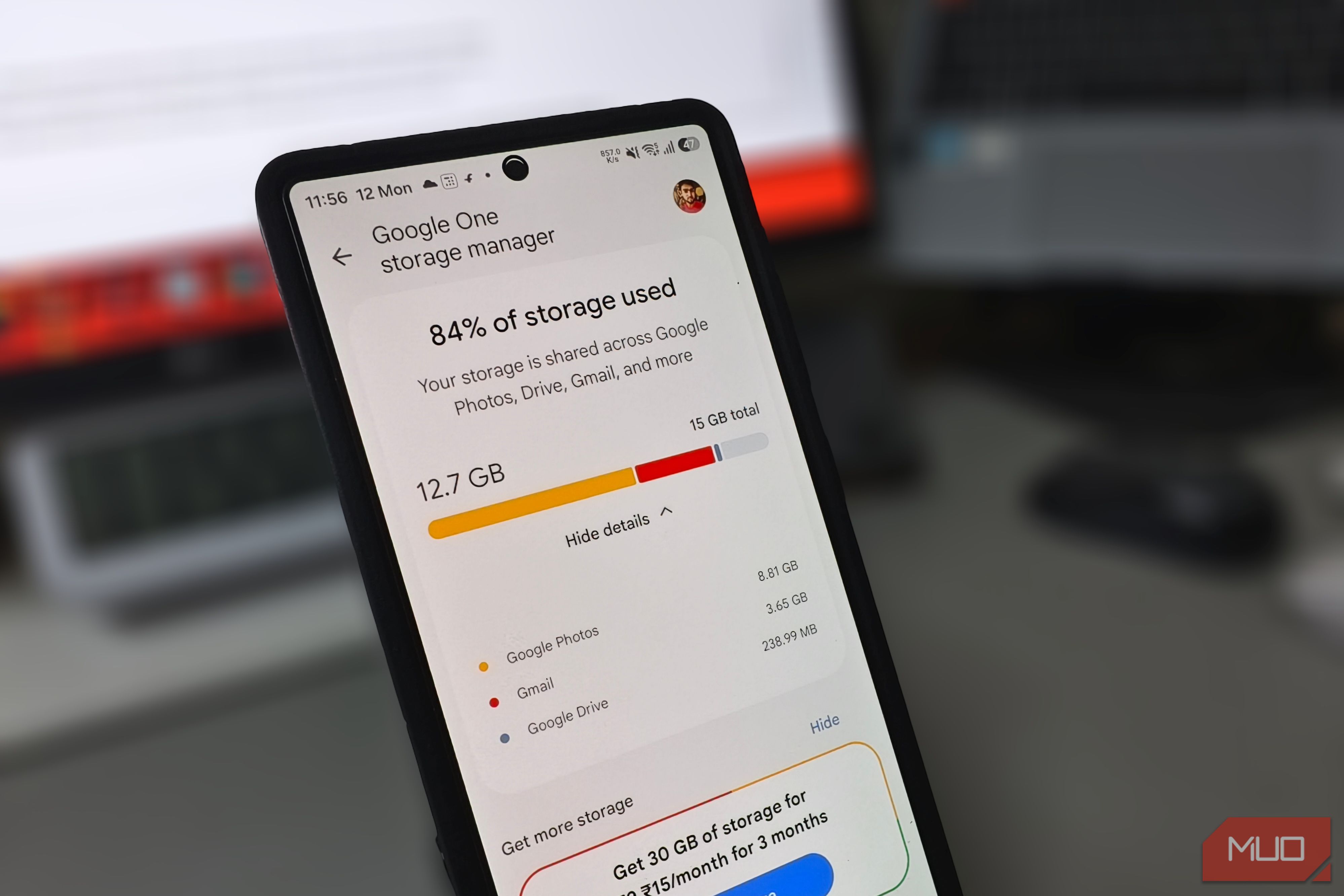
Your Google storage is filling up, and the photos you actually took aren’t the main reason. Somewhere between routine syncs and daily phone use, screenshots start slipping into the cloud, eating into the same storage you share with Gmail and Drive. Every screen grab, shipping label, and confirmation page takes up the same space as an actual photo, yet most of them are useless within hours. A few settings buried across your phone are the reason why.