7 Ways to Fix a Slow Windows PC Before Buying a New One
Slow performance can come from startup apps, limited memory, a nearly full drive, overheating, or demanding browser tabs. Try these steps in order and check whether performance improves.
Introduction
Slow performance can come from startup apps, limited memory, a nearly full drive, overheating, or demanding browser tabs. Try these steps in order and check whether performance improves.
1. Restart the PC
Save your work and choose Restart. This closes stuck processes and can complete pending updates.
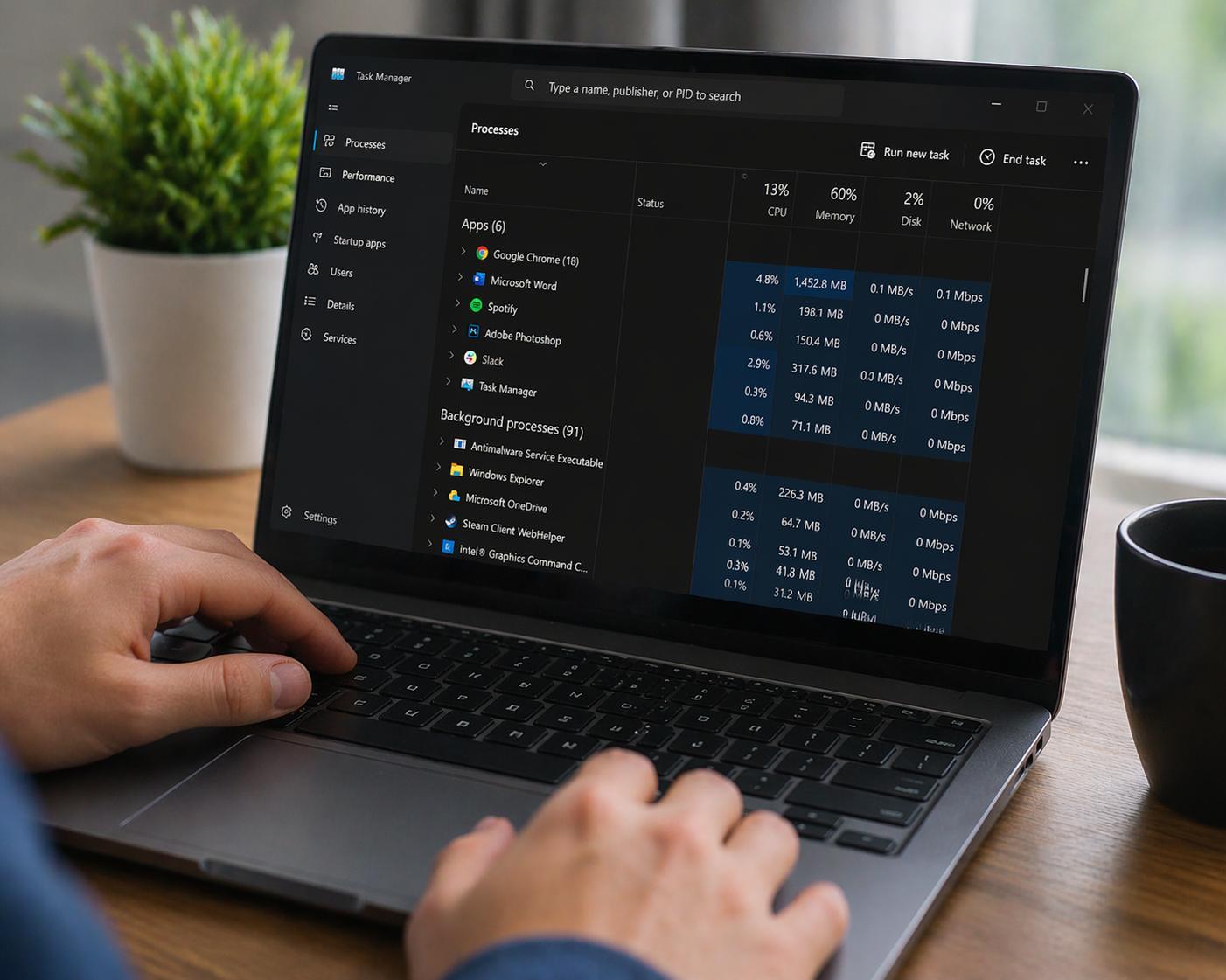
2. Check Task Manager
Press Ctrl + Shift + Esc and inspect Processes and Performance. Look for sustained high CPU, memory, or disk usage. Do not end unfamiliar processes without checking what they do.
3. Reduce startup apps
In Task Manager, open Startup apps and disable nonessential programs that launch at sign-in. Keep security tools enabled unless you know they are safe to disable.
4. Free up storage
Use Settings > System > Storage to review temporary files and large apps. Back up personal files before moving or deleting them.
5. Update Windows and apps
Install relevant updates. They can fix bugs and security issues, although updates may temporarily use resources while finishing.
6. Check browser tabs and extensions
Close unused tabs and remove extensions you no longer need. Test whether the browser improves with fewer extensions, especially those requesting broad access to browsing data.
7. Check heat and hardware
Keep vents clear and use the computer on a hard surface. If performance remains poor, check whether the PC has enough RAM and an SSD. Get advice on compatibility before buying parts.
When an upgrade makes sense
Adding RAM, if supported, or replacing an older hard drive with an SSD can help. Back up data first. If the PC no longer receives security updates, plan for a supported operating system or device.
Conclusion
Identify the bottleneck before spending money. Maintenance may be enough, but persistent hardware limits may require an upgrade.